# infinite_lazy_grid
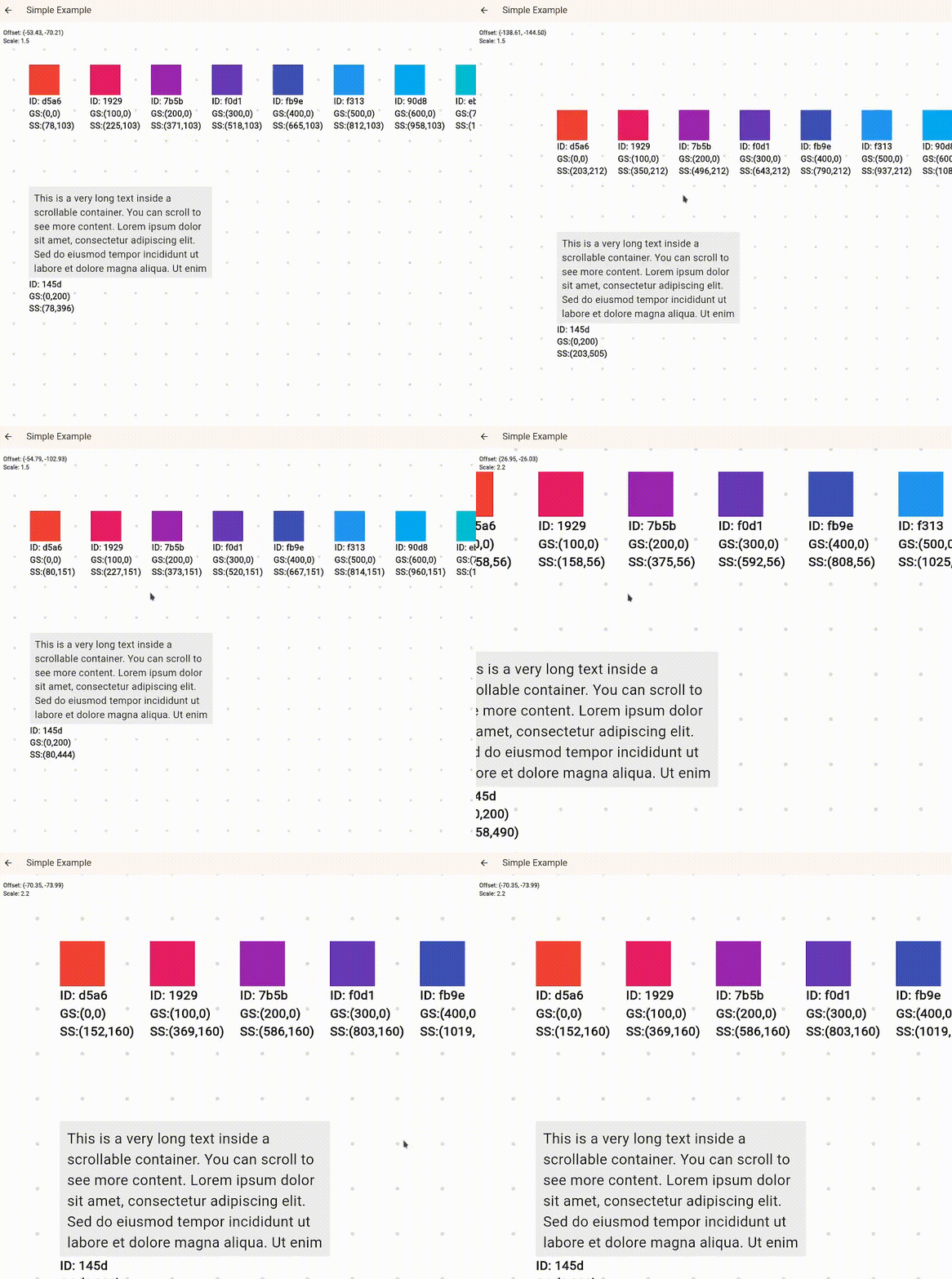
Infinite zoomable, pannable 2D canvas using spatial hash for only rendering what's visible.
Example: https://infinite-lazy-grid.pages.dev/
## Quick Start
```dart
import 'package:flutter/material.dart';
import 'package:infinite_lazy_grid/infinite_lazy_grid.dart';
class DemoCanvas extends StatefulWidget {
const DemoCanvas({super.key});
@override
State createState() => _DemoCanvasState();
}
class _DemoCanvasState extends State {
// all interactions go through the controller
final controller = LazyCanvasController(
background: const DotGridBackground(),
debug: true, // wraps each child with debug info visible on screen (positions, id)
);
@override
void initState() {
super.initState();
// Add some sample nodes in a grid
for (int i = 0; i < 50; i++) {
controller.addChild(
Offset((i % 10) * 140.0, (i ~/ 10) * 140.0),
Container(
width: 100,
height: 100,
color: Colors.primaries[i % Colors.primaries.length],
alignment: Alignment.center,
child: Text('${i + 1}', style: const TextStyle(color: Colors.white)),
),
);
}
}
@override
Widget build(BuildContext ctx) {
return Scaffold(
appBar: AppBar(title: const Text('infinite_lazy_grid')),
// pass the controller to the LazyCanvas widget
body: LazyCanvas(controller: controller),
);
}
}
```
## Usage
### Adding/Removing children
```dart
// one child, returns its id which is just a uuid string
CanvasChildId oneChild = controller.addChild(
const Offset(500, 1200),
const Icon(Icons.place, size: 32),
);
// with custom widget
List batchAdd = controller.addChildren([
CanvasChildArgs(position: const Offset(0, 0), widget: const Text('Origin')),
CanvasChildArgs(position: const Offset(800, 200), widget: const Icon(Icons.star)),
]);
// remove one by Id
controller.removeChild(oneChild);
// remove all
controller.clear();
```
### Focus / center
All of these animate by default (`duration` optional, `animate: false` to jump).
```dart
// child specific
controller.focusOnChild(id); // keep scale
controller.focusOnChild(id, scalingMode: ScalingMode.resetScale);
controller.focusOnChild(id, scalingMode: ScalingMode.fitInViewport, preferredHorizontalMargin: 16);
// absolute position in grid space
controller.centerOnGridOffset(const Offset(0, 0));
// absolute position in screen space
controller.centerOnScreenOffset(const Offset(200, 150));
```
### Zoom & animate
```dart
controller.updateScalebyDelta(0.2); // zoom in
controller.updateScalebyDelta(-0.2); // zoom out
// animate to position on grid
await controller.animateToOffsetAndScale(
offset: const Offset(1200, 300),
scale: 2.0,
duration: const Duration(milliseconds: 400),
);
```
### Background options
```dart
background: const NoBackground();
background: const SingleColorBackround(Colors.white);
background: const DotGridBackground(spacing: 60, size: 2.0);
```
All of these implement abstract class `CanvasBackground` so you can add your own.
### Render callbacks
```dart
LazyCanvasController(
onWidgetEnteredRender: (id) { /* do something */ },
onWidgetExitedRender: (id) { /* do something else */ },
);
```
### Widget updates
Since the args aren't directly available for you to place in the build tree, child rebuilds can be handled in three ways:
1. Stateful widget child: Child handles its own updates but state is lost when unmounted.
2. Manual update: `updateChildWidget(id, newWidget)`.
3. Child listens to external state: Some `Listenable` or a state management library like Provider, etc., that rebuilds the child when data changes.
### Size based optimisations
`focusOnChild` auto measures offstage if size unknown. Provide `childSize` if you already know it to skip the extra pass.
This extra pass is cached so would only happen once per child if size not provided.
## Example
See `example/` directory (Simple Example, Build Counts Example, Widget State Updates Example, Render Callbacks Example).